Pospíšil Petr | CyberPOPE Independent Consultant | Cyber Security Architect & Fractional CISO
AI Ethics / Shadow AI / OWASP LLM / Security Policy / Corporate Governance

Shadow AI: The Danger of the 'Secret' Tool

Petr Pospíšil enhanced by AI
Shadow AI: The Danger of the 'Secret' Tool

Shadow AI: The Danger of the “Secret” Tool

There is a strange new stigma in the professional world.

You see it in meetings and email threads. Someone delivers a perfectly drafted report or a complex snippet of code, and when asked about their process, they hesitate. They deny using ChatGPT or Claude. They fear that admitting to using AI diminishes their expertise - that if they acknowledge they did not write every single word, they will be judged as lazy or incompetent.

I personally believe usage is acceptable, provided it is handled ethically. In fact, it is far better to openly state that you use AI than to deny it while using it in the shadows.

The Rise of “Shadow AI”

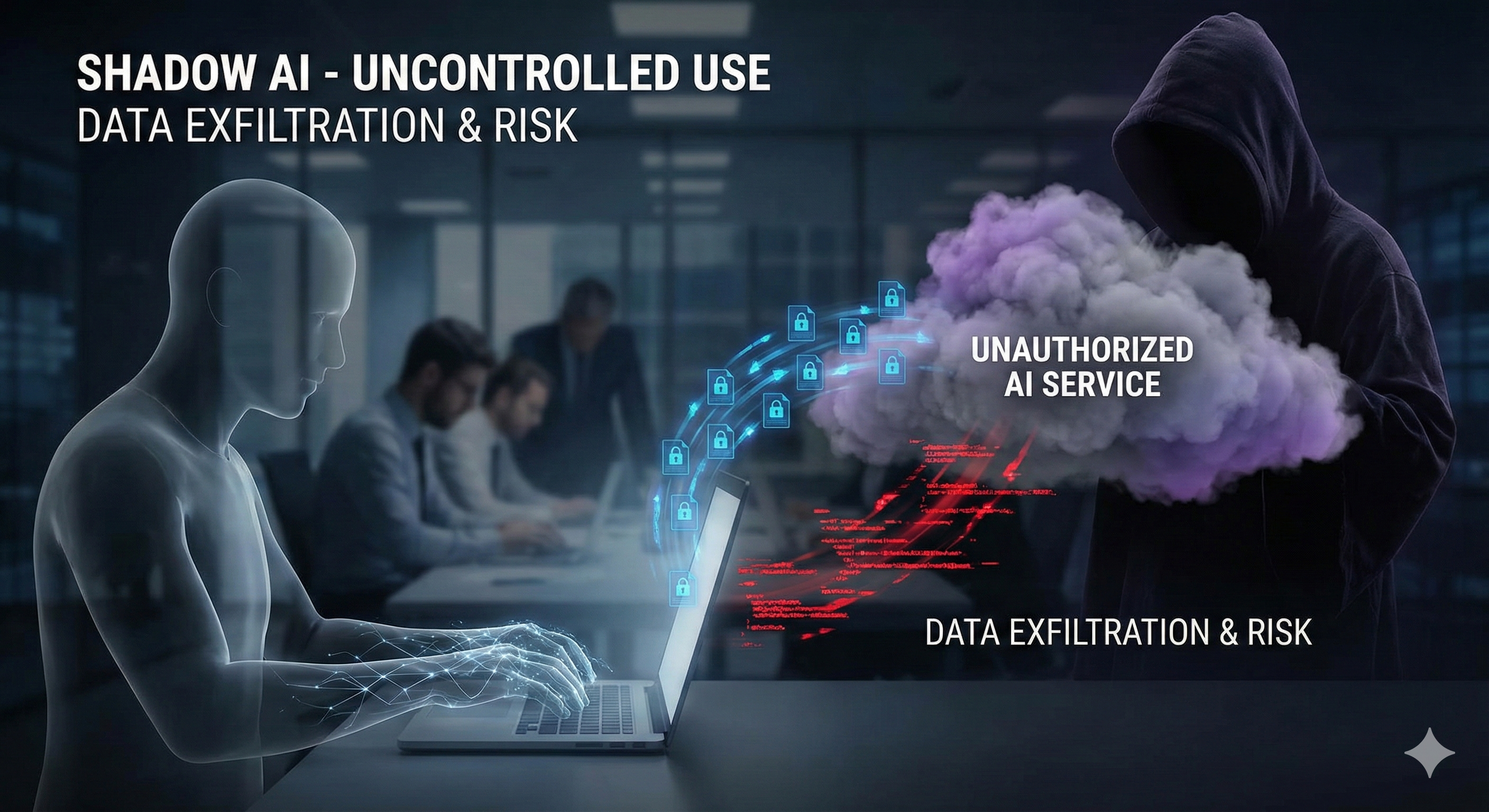
In the security world, we have spent years fighting “Shadow IT” - employees bringing unauthorized devices or software onto the network. Today, we are facing a more subtle, yet dangerous variant: Shadow AI.

Because employees feel reluctant or “ashamed” to discuss their AI usage, they use these tools in secret. They paste proprietary code into public Large Language Models (LLMs). They upload sensitive meeting notes for summarization. They do this without vetting the tool’s data retention policy because they are trying to stay under the radar.

This is a security nightmare. We are losing visibility of our data flows. The OWASP Top 10 for LLM lists critical threats like Sensitive Information Disclosure and Training Data Poisoning, but we cannot mitigate threats we cannot see.

The Velocity Gap

The root cause isn’t just shame; it is speed.

The development of AI capabilities is currently moving much faster than Information Security experts can draft policies. We are trying to build guardrails for a train that is already moving at 300 km/h.

Legislation (like the EU AI Act) and internal corporate controls are slow, deliberative processes. Meanwhile, a new model is released every week. This gap creates a “Grey Zone.” In the absence of written policy, employees are left asking silent questions:

  • “Can I use this specific tool?”
  • “For what kind of data? Public? Internal? Confidential?”
  • “When do I have to disclose usage?”
  • “Where is the line between content ‘Created by AI’ and ‘Enhanced by AI’?”

Because the policy is not written, the employees feel threatened. They justify their silence by the lack of clear rules, creating a culture of secrecy rather than compliance.

Bring It into the Light

We cannot secure what we stigmatize.

If we want to protect our organizations from the risks of Shadow AI, we must stop shaming its usage. We need to encourage transparency. We must say: “It is acceptable to use these tools, but you must use them responsibly, and here are the controls.”

Need Help Defining the Line?

The difference between a secure AI implementation and a data leak often comes down to clear governance.

If your organization is currently operating in the “Grey Zone”- using AI without a formal framework - I can help. I assist companies in drafting realistic IT Security Monitoring policies and AI Acceptable Use Standards that align with current regulations.

Don’t wait for a leak to force the conversation. Contact me today to bring your AI usage out of the shadows.

Implementation Example

flowchart TD
    %% 1. Define High-Contrast Styles
    %% Blue Style for Assessment
    classDef assess fill:#E3F2FD,stroke:#1565C0,stroke-width:2px,color:#0D47A1;
    %% Orange Style for Policy
    classDef policy fill:#FFF3E0,stroke:#EF6C00,stroke-width:3px,color:#E65100;
    %% Green Style for Action
    classDef action fill:#E8F5E9,stroke:#2E7D32,stroke-width:2px,color:#1B5E20;
    %% Yellow Style for Human/Training (Dashed border)
    classDef human fill:#FFFDE7,stroke:#FBC02D,stroke-width:3px,stroke-dasharray: 5 5,color:#F57F17;

    %% 2. The Diagram Nodes
    subgraph Phase_1_Assess
        direction TB
        Input[Identify High Risk Data]
        Use[List Top 3 AI Use Cases]
    end

    subgraph Phase_2_Set_Rules
        direction TB
        Policy[Green or Red Light List]
    end

    subgraph Phase_3_Rollout
        direction TB
        Training(Employee Training)
        BasicTech(Basic Browser Blocking)
        Review(Quarterly Review)
    end

    %% 3. Connections (Thicker and Darker)
    Input --> Policy
    Use --> Policy
    Policy --> Training
    Policy --> BasicTech
    
    %% Feedback Loops
    Training -.-> |New ideas found| Use
    Review -.-> |Update rules| Policy

    %% 4. Apply Styles
    class Input,Use assess;
    class Policy policy;
    class BasicTech,Review action;
    class Training human;

    %% 5. Style the connecting lines for better visibility
    linkStyle default stroke:#333,stroke-width:2px;